How to Digitize Inventory Management in a Retail SME: From Spreadsheets to Cloud Software
A practical guide for retail SMEs looking to overcome spreadsheet limitations. Learn how to diagnose your stock, define key needs, and select the right cloud software to reduce shrinkage and improve decision-making.
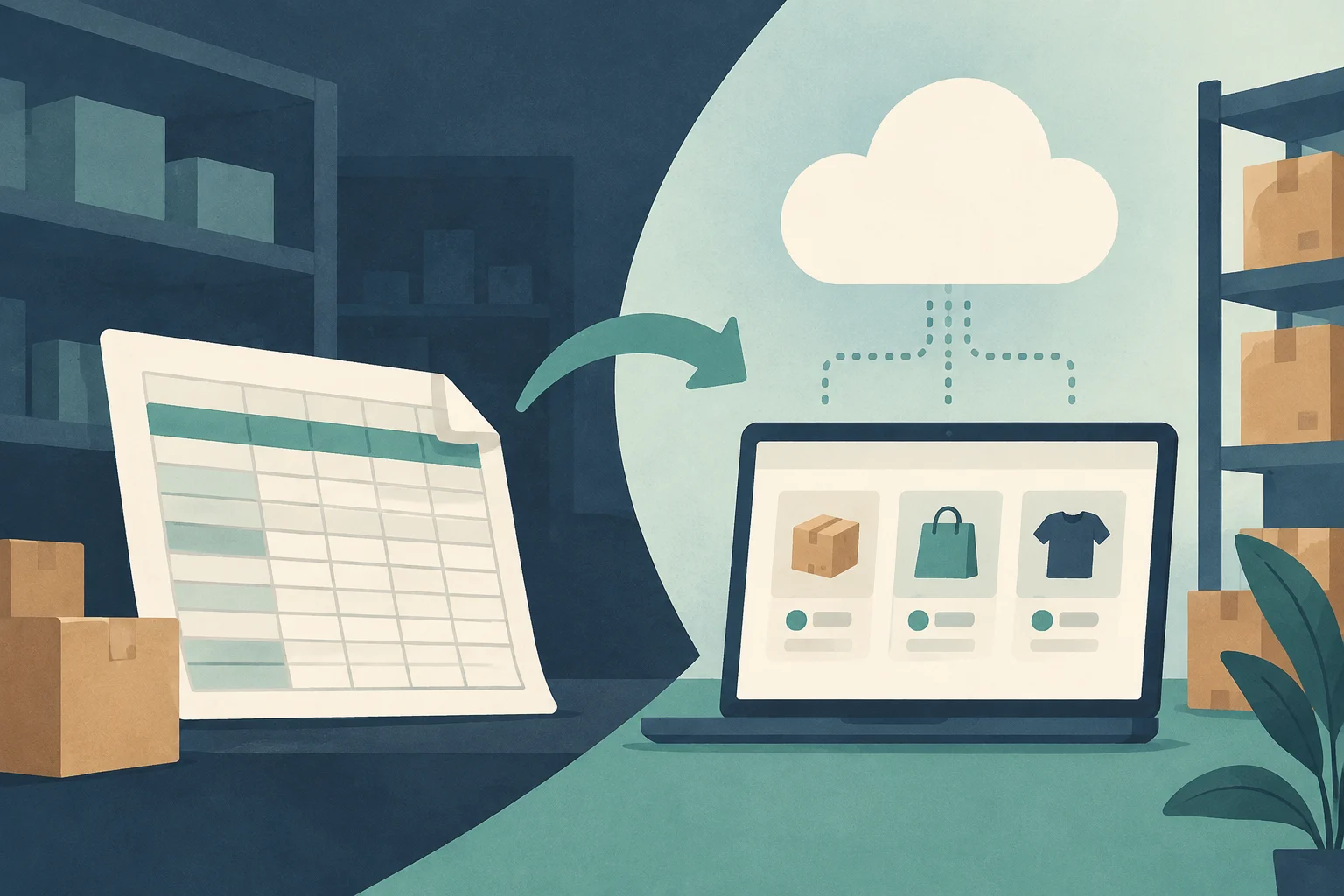
The transition from manual inventory management to a digital system is a strategic step for retail SMEs. Although spreadsheets have been the standard tool for years, their exclusive use presents critical limitations when product volume or operational complexity increases. This guide details the steps to migrate to cloud-based inventory management software, thereby optimizing operational efficiency and profitability.
Diagnosis: The Limitations of Manual Management
Before implementing a new tool, it is fundamental to identify the deficiencies of the current system. Traditional stock management, based on spreadsheets or physical records, usually generates three main problems:
Lack of real-time data: It is not known exactly which products are in stock or where they are located, which prevents an agile response to demand.
Human errors and desynchronization: Manual updating of entries and exits causes discrepancies, data duplication, and errors in orders.
Low integration between departments: Purchasing, logistics, and sales do not share information fluidly, which generates stockouts or inventory excesses.
According to Joel Roth, engineer and author of The 20% Solution, the costs associated with inefficient inventory management can exceed 18% of the purchase value of the product, especially in sectors with broad inventories and low rotation. Digitizing allows reducing these hidden costs and improving accuracy.
Editorial illustration · Edition Business
Key Steps for Digitization
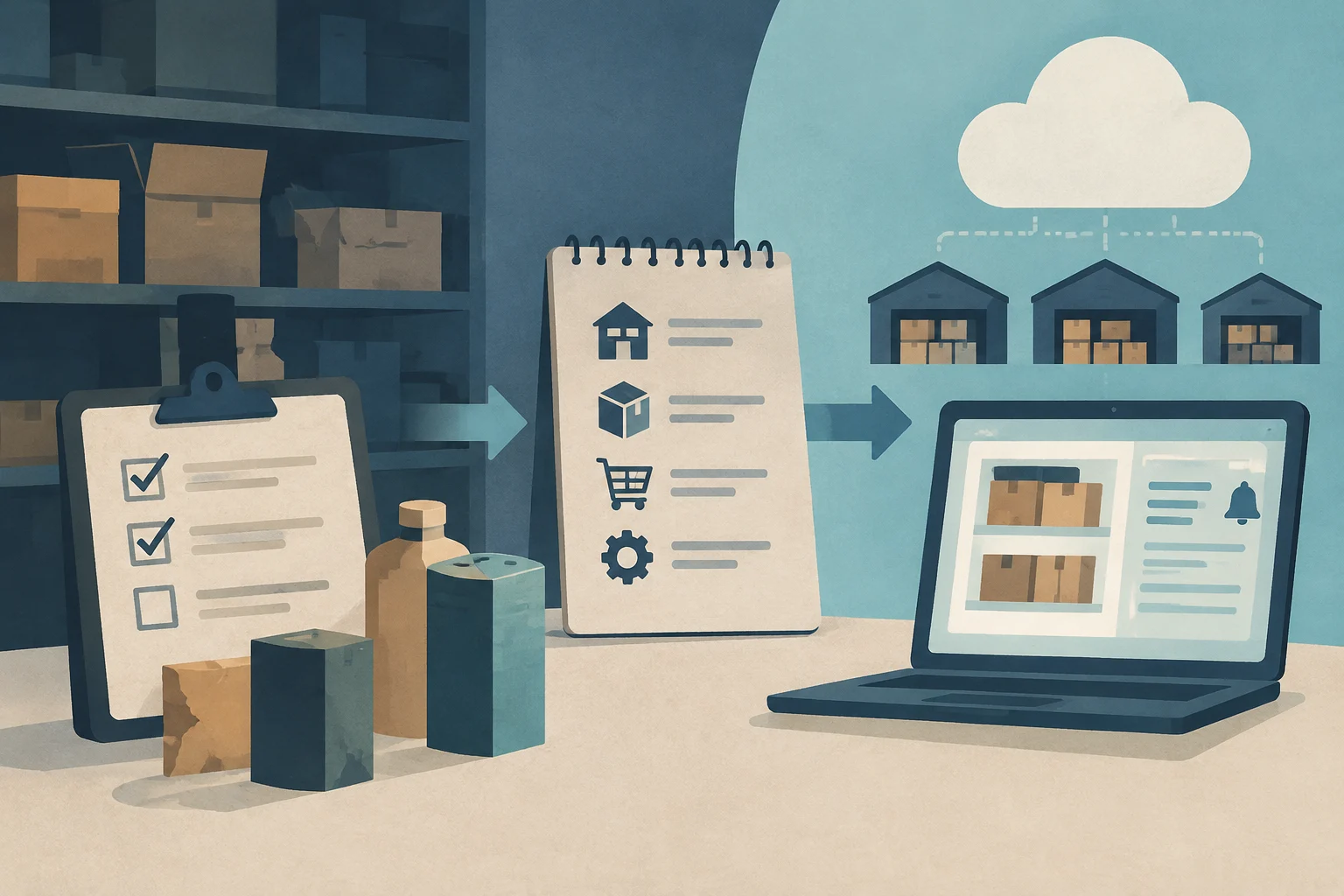
The implementation of inventory software is not just a technical issue, but a process of reorganizing workflows. Below, the essential phases are detailed:
1. Audit of the Current Inventory
The first step is to carry out an exhaustive diagnosis of the current state of the stock. This includes:
Verifying actual stock against recorded stock.
Identifying obsolete, damaged, or low-rotation products.
Mapping warehouses and physical locations.
This audit provides the necessary baseline to correctly configure the new system and avoid dragging previous errors.
2. Definition of Specific Needs
Not all SMEs require the same functionalities. It is crucial to define which problems you want to solve:
Multi-warehouse: Do you need to manage several distribution centers or physical stores?
Traceability: Does the sector require control of batches, serial numbers, or expiration dates (food, cosmetics, healthcare)?
Integration with sales: Do you sell through e-commerce, marketplaces, or physical stores? Real-time synchronization is vital to avoid selling unavailable products.
Automation: Do you want minimum stock alerts, automatic reorders, or rotation reports?
3. Selection of the Right Software
The market offers various options, from modular solutions to comprehensive ERPs. The choice should be based on objective criteria, not just the initial price.
Criteria for Choosing Inventory Software
When evaluating the available tools, the following factors should be weighed:
Criterion
Description
Importance
Scalability
The tool's ability to grow with the business (more users, warehouses, products).
High
Integrations
Connection with ERP, accounting, online store, and sales systems.
High
Automation
Automatic alerts, order generation, synchronization between channels.
Medium-High
Usability
Clear interface, reasonable learning curve, and local technical support.
Medium
Total Cost
Licenses, extra modules, maintenance, and per-user fees.
Medium
Security
Traceability, permission control, data backup, and audit.
High
Essential Features in Inventory Software
A modern inventory management system must go beyond registering entries and exits. Key features include:
Real-time control: Automatic registration of each movement, allowing you to know how much there is, where it is, and in what condition.
Management of minimums and maximums: Configuration of alerts to avoid stockouts or inventory overload. Some systems, such as a3ERP, allow automatic calculation of minimum stock based on sales and supply lead times.
Advanced traceability: Management of batches, serial numbers, sizes, colors, and expiration dates. This is critical for complying with quality regulations and conducting audits.
Synchronization with e-commerce: Direct connection between the online store and the warehouse. If a product is sold online, the stock is automatically deducted, avoiding orders for unavailable items and shipping costs due to delays.
Reports and dashboards: Tools to analyze rotation, inventory value, and profitability per product, facilitating informed decision-making.
Editorial illustration · Edition Business
Software Options in the Spanish Market
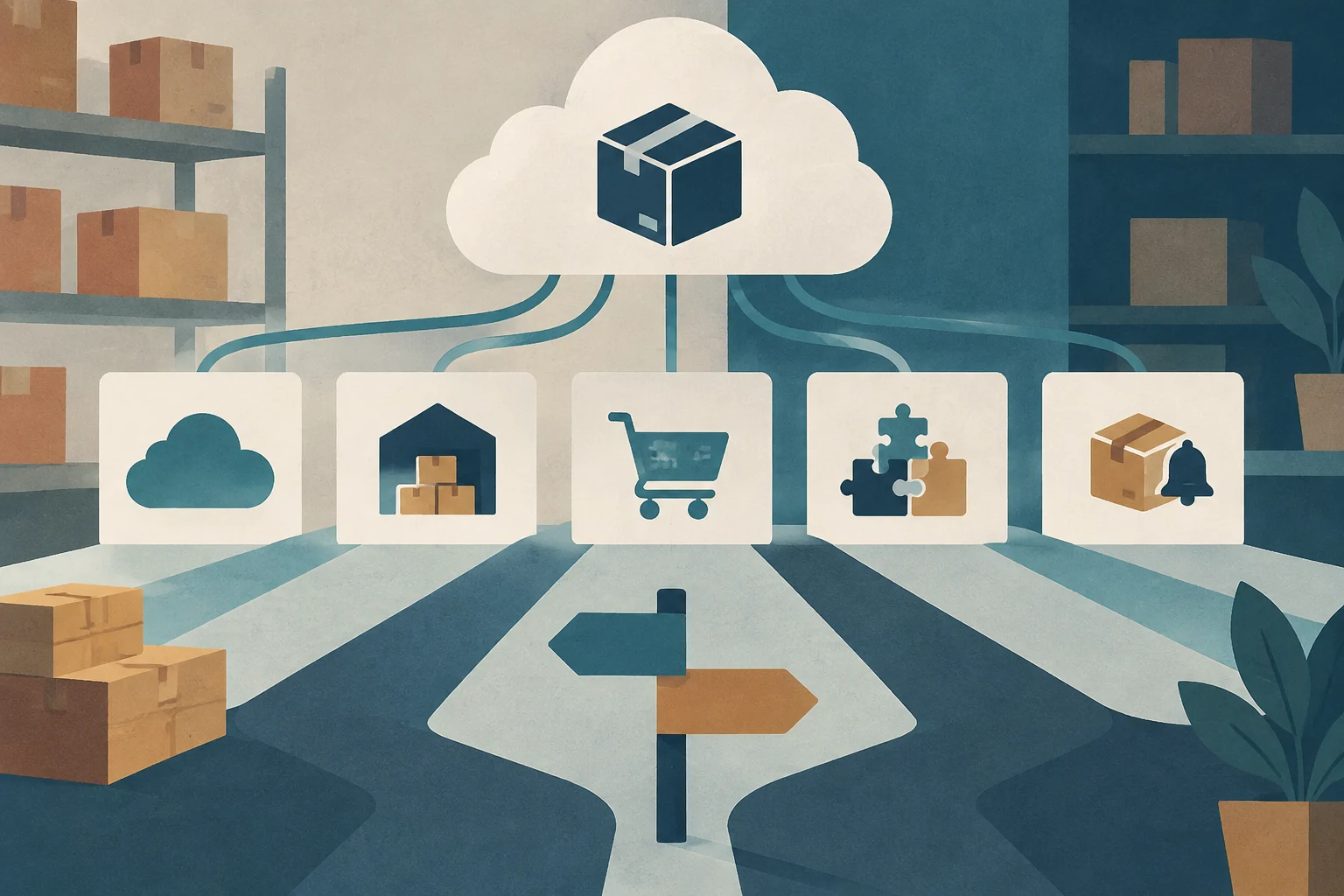
There are various tools adapted to the needs of SMEs. Below, some of the most notable in 2025 are presented, with their main characteristics:
Holded: Cloud solution oriented to SMEs and self-employed. It stands out for its ease of use, integration with accounting and invoicing, and its ability to manage stock in real time. It offers a free trial and subscription plans.
a3ERP (Wolters Kluwer): Business management software that includes a powerful stock module. It is ideal for SMEs that need multi-warehouse management, advanced traceability, and automatic calculation of minimum stocks. It allows exporting lists to Excel for audits.
Zoho Inventory: Cloud solution focused on SMEs that sell in multiple channels. It supports inventory control, synchronization with e-commerce, and process automation. It is a robust option for businesses with significant digital presence.
Odoo Inventory: Part of the Odoo ERP suite. It offers a basic free version and subscription plans. It is highly scalable and adapts to companies of all sizes, although it may require greater initial configuration.
Gespymes: Warehouse and stock management program that allows managing products in different units, controlling pending material to receive, and setting stock limits with emergency alerts. It is a solid option for SMEs with specific logistics needs.
Benefits of Inventory Digitization
The implementation of inventory management software brings tangible benefits for the SME:
Reduction of shrinkage and losses: Fewer human errors, fewer obsolete products, and better control of expiration.
Improved liquidity: By avoiding over-inventory, capital immobilized in the warehouse is released.
Customer satisfaction: Greater product availability and faster, more precise deliveries.
Data-driven decision-making: Access to real-time reports that allow adjusting purchase and sales strategies.
Operational efficiency: Automation of repetitive tasks, freeing up team time for higher-value activities.
Frequently Asked Questions
When is the right time to digitize inventory?
The right time is when spreadsheets become unmanageable, when frequent errors in stock are detected, or when business growth makes it impossible to maintain manual accuracy. It is not necessary to wait for a crisis; digitization is an investment in efficiency.
Do I need a complete ERP or is inventory software enough?
It depends on the complexity of your business. If you only need to control stock and sales, specialized inventory software may be sufficient. If you also manage accounting, human resources, and production, an integrated ERP like a3ERP or Odoo can offer a more holistic view and avoid data duplication.
What happens to the data in my current spreadsheet?
Most software allows importing data from Excel or other formats. It is crucial to clean and validate this data before import to guarantee the accuracy of the new system. The initial audit is the ideal time for this process.
Is digitization a costly process?
Costs vary depending on the tool and the required functionalities. Many cloud solutions offer affordable subscription plans for SMEs, with free trials that allow evaluating the tool before committing. The total cost should include licenses, training, and technical support.
The digitization of inventory management is not an option, but a necessity for retail SMEs seeking to compete in an increasingly demanding environment. By following the steps of diagnosis, definition of needs, and tool selection, companies can transform their warehouse into a strategic asset, improving their efficiency, profitability, and responsiveness to the market.
A plain-language guide to help management and operational teams understand digital concepts, how they connect, and what questions to ask when evaluating a solution.
The key lies not in the tool, but in the strategy: identifying processes with the highest hidden costs, calculating ROI with real data, and ordering workflows before automating them. A practical guide for Spanish SMEs.
Practical guide to verifying critical vulnerabilities in the software development lifecycle (SDLC), covering authentication, token management, secure storage, and server-side permission validation.