Administrative automation in SMEs: how to prioritize processes to maximize return
The key lies not in the tool, but in the strategy: identifying processes with the highest hidden costs, calculating ROI with real data, and ordering workflows before automating them. A practical guide for Spanish SMEs.
The automation of administrative processes has ceased to be a luxury reserved for large corporations and has become an operational necessity for Spanish SMEs. However, the main obstacle is not a lack of technology, but a lack of clear strategy. According to data from the ONTSI (National Statistics Institute), 64% of service SMEs in Spain have not automated any internal process, a figure that reflects a gap in methodology and criteria rather than budget.
The most common mistake is choosing the tool before the process, or prioritizing technological novelty over economic profitability. To reverse this trend, it is fundamental to adopt a data-driven approach, where each automation decision is justified by an analysis of return on investment (ROI) and a clear investment recovery time (payback).
The hidden cost of manual management
Before investing in software, it is necessary to quantify the real cost of the current situation. In an average SME, repetitive administrative tasks consume more than 10 hours per week. These hours not only represent a direct expense in salaries, but they also generate significant indirect costs:
Human errors: Manual transcription of data between systems increases the risk of failures, which can cost hours of correction or even tax fines.
Dependency on individuals: If the process depends on the memory of a single employee, the business stalls when that person is unavailable.
Lost opportunities: Time dedicated to mechanical tasks is time not invested in sales, customer service, or innovation.
Criteria for prioritizing processes: the ROI formula
Not all processes deserve the same attention. Prioritization should be based on three fundamental questions:
How much does the problem cost me now? (Time cost × Cost per hour).
How much would it cost to automate it? (Licenses + Implementation time).
How long does it take to recover the investment? (ROI and payback).
The basic formula for calculating ROI is:
ROI = (Hours saved × Cost per hour) - Cost of the tool
For example, if a manual invoicing process consumes 5 hours per week and the cost per hour of the person in charge is €22.80, the annual cost is approximately €5,928. If an automation tool costs €300 per year, the net savings are €5,628, with a payback of less than 2 months.
High-impact processes to start with
The following processes usually offer the best initial return due to their high repetitiveness and data volume:
Process
Main benefit
Estimated impact
Invoicing
Reduction of errors and acceleration of collection
Up to 5 hours/week saved
Collection management
Reduction of delinquency
Improvement of cash flow
Sales follow-up
Increase in conversion rate
Fewer lost opportunities
Report generation
Real-time data for decisions
Less time in manual analysis
Order before automating: the golden rule
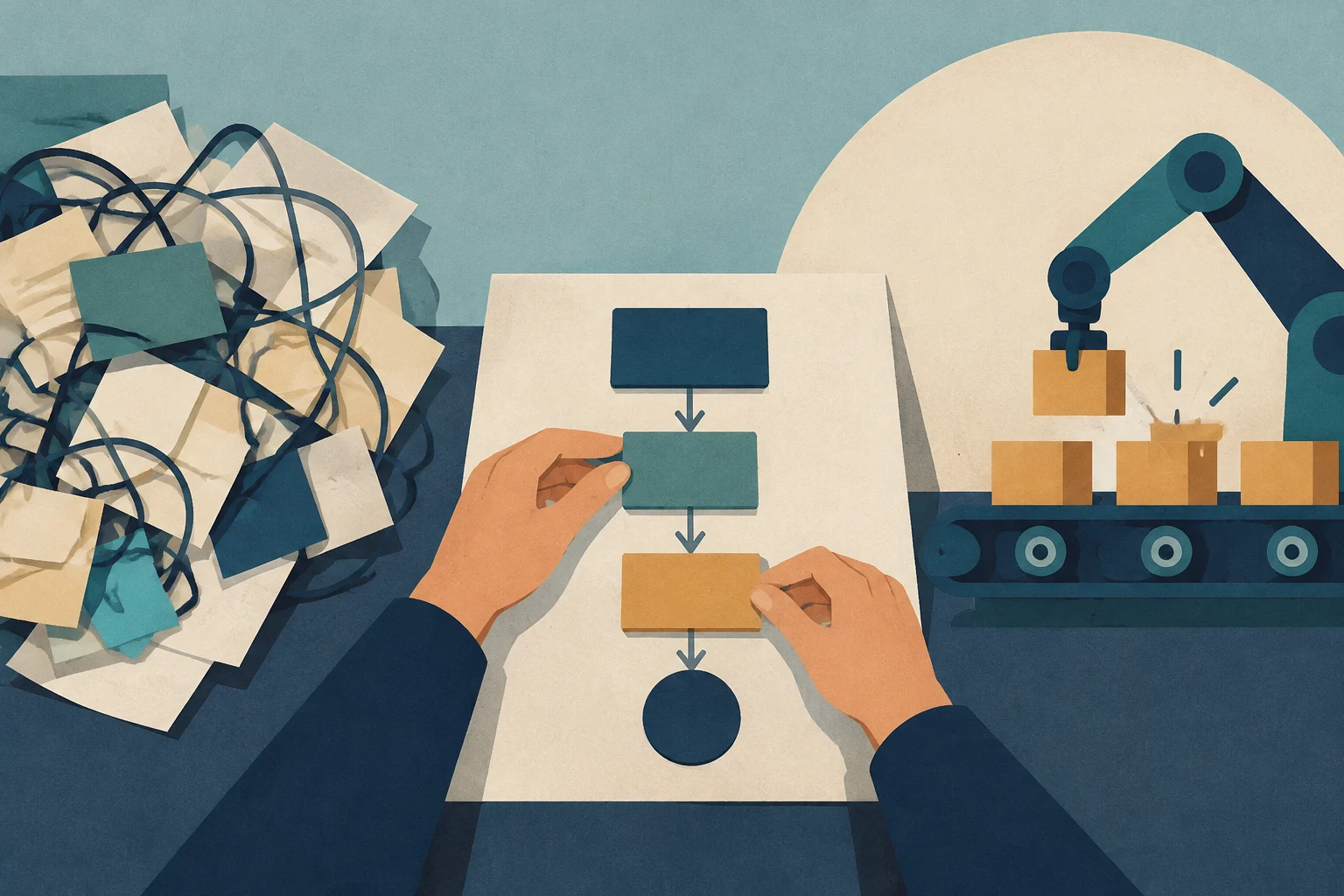
A frequent error is attempting to automate a chaotic process. Automation does not correct disorder; it accelerates it. Before connecting tools, it is essential to:
Map the flow: Document who does what, in what order, and with what data.
Identify bottlenecks: Detect where delays or errors accumulate.
Standardize: Define clear rules so that automation can be followed without ambiguities.
Tools: ERP, CRM, or flow automation?
The choice of tool depends on the type of process:
ERPs (Enterprise Resource Planning): Ideal for integrating accounting, inventory, and invoicing into a single system. They are more complex and costly, but offer a global view.
CRMs (Customer Relationship Management): Focused on customer management and sales follow-up. They allow automating reminders, segmentation, and lead nurturing.
Flow automation tools (n8n, Make, Zapier): Connect existing applications to transfer data and execute simple tasks. They are more flexible and economical, ideal for SMEs that already have basic software.
For many SMEs, the combination of a basic CRM with a flow automation tool offers the best balance between cost and benefit.
Implementation roadmap in 4 phases
A successful implementation is not a one-off project, but an iterative process:
Diagnosis (Week 1-2): Process mapping and calculation of potential ROI.
Pilot (Week 3-4): Automation of a key process with a small group of users.
Optimization (Month 2): Adjustment of rules, team training, and measurement of results.
Scale (Month 3-6): Extension of automation to other processes and continuous review.
Conclusion
Administrative automation is not a magic solution, but a strategic lever that requires planning, measurement, and adaptation. By prioritizing processes by profitability and ordering workflows before automating them, SMEs can transform their management, reduce costs, and free up time for what really matters: growing the business.
A plain-language guide to help management and operational teams understand digital concepts, how they connect, and what questions to ask when evaluating a solution.
A practical guide for retail SMEs looking to overcome spreadsheet limitations. Learn how to diagnose your stock, define key needs, and select the right cloud software to reduce shrinkage and improve decision-making.
Practical guide to verifying critical vulnerabilities in the software development lifecycle (SDLC), covering authentication, token management, secure storage, and server-side permission validation.