Practical Guide to Searching Patents for Free: Espacenet, PATENTSCOPE and Official Registers
Learn to use free official tools to investigate prior art, verify inventions and analyze patent documents. This guide explains how to formulate effective searches in Espacenet, PATENTSCOPE and national registers such as INVENES and DEPATISnet.
For inventors, entrepreneurs and industrial property professionals, checking prior art is a fundamental step before applying for protection. Fortunately, the world’s main patent offices provide free access to their databases. This guide explains how to use the most relevant official tools, including Espacenet, PATENTSCOPE and national registers, to conduct precise searches and understand the information contained in a patent document.
Main free official databases
There are three main categories of patent search sources: databases run by international organizations, regional offices and national offices. They are all free and serve as primary sources of information.
Espacenet (European Patent Office)
Espacenet is the database of the European Patent Office (EPO). It provides access to more than 140 million documents covering patents, applications and utility models from more than 90 countries, with historical coverage dating back to 1836 (and, in some cases, 1782). It is the recommended tool for technology monitoring and prior-art searches.
Key features: Offers simple and advanced searches. It includes a glossary of terms and a personal space (Myespacenet) for saving searches and results.
Languages: Information is available in English, French and German. For the worldwide database, using keywords in English is recommended.
Limitations: It is not designed to extract aggregated statistics; for that purpose, the EPO recommends using PATSTAT.
PATENTSCOPE (WIPO)
PATENTSCOPE is the database of the World Intellectual Property Organization (WIPO). It provides access to more than 121 million documents, including PCT international applications published in full text on their publication date, as well as documents from participating national offices and non-patent literature.
Key features: Offers learning resources such as video tutorials, webinars and practical exercises. It includes predefined search tools for topics such as artificial intelligence and climate change.
Integration: Provides one-click access to national patent databases.
National registers: INVENES (Spain) and DEPATISnet (Germany)
Each country has its own national patent office, which manages rights that take effect within its territory.
INVENES (Spain): Database of the Spanish Patent and Trademark Office (OEPM). It contains bibliographic data dating back to 1826 and more than 1.5 million full-text documents from the 1940s onward. It includes national, European and PCT patents that designate Spain. Through INVENES, users can access c.e.o. (File Inquiry) to check the legal status of applications.
DEPATISnet (Germany): Database of the DPMA (Deutsches Patent- und Markenamt). It is the official tool for searching German patents and European patents with effect in Germany.
How to formulate an effective search
The quality of the results depends on how precisely the query is formulated. Most of these platforms offer two search modes:
Simple search: Ideal for initial exploration. Enter a general query in the main search bar.
Advanced search: Allows you to define complex search equations using specific fields. This is the recommended option for finding relevant results.
Available search fields
In advanced search, users can combine the following filters:
Keywords: Title, abstract, description or applicant/inventor names.
Technical classification: Use the CPC (Cooperative Patent Classification) or IPC (International Patent Classification) systems. These are crucial for refining a search by technological area.
Dates: Publication, priority or grant date.
Identification numbers: Official publication or priority numbers.
[!TIP]
Practical tip: In Espacenet, if you are unsure how to apply a filter, use the “Popup Tips” option (question-mark icons) to view instructions for each field. Remember that keywords in Espacenet’s worldwide database should be in English.
Editorial illustration · Edition Business
Structure of a patent document
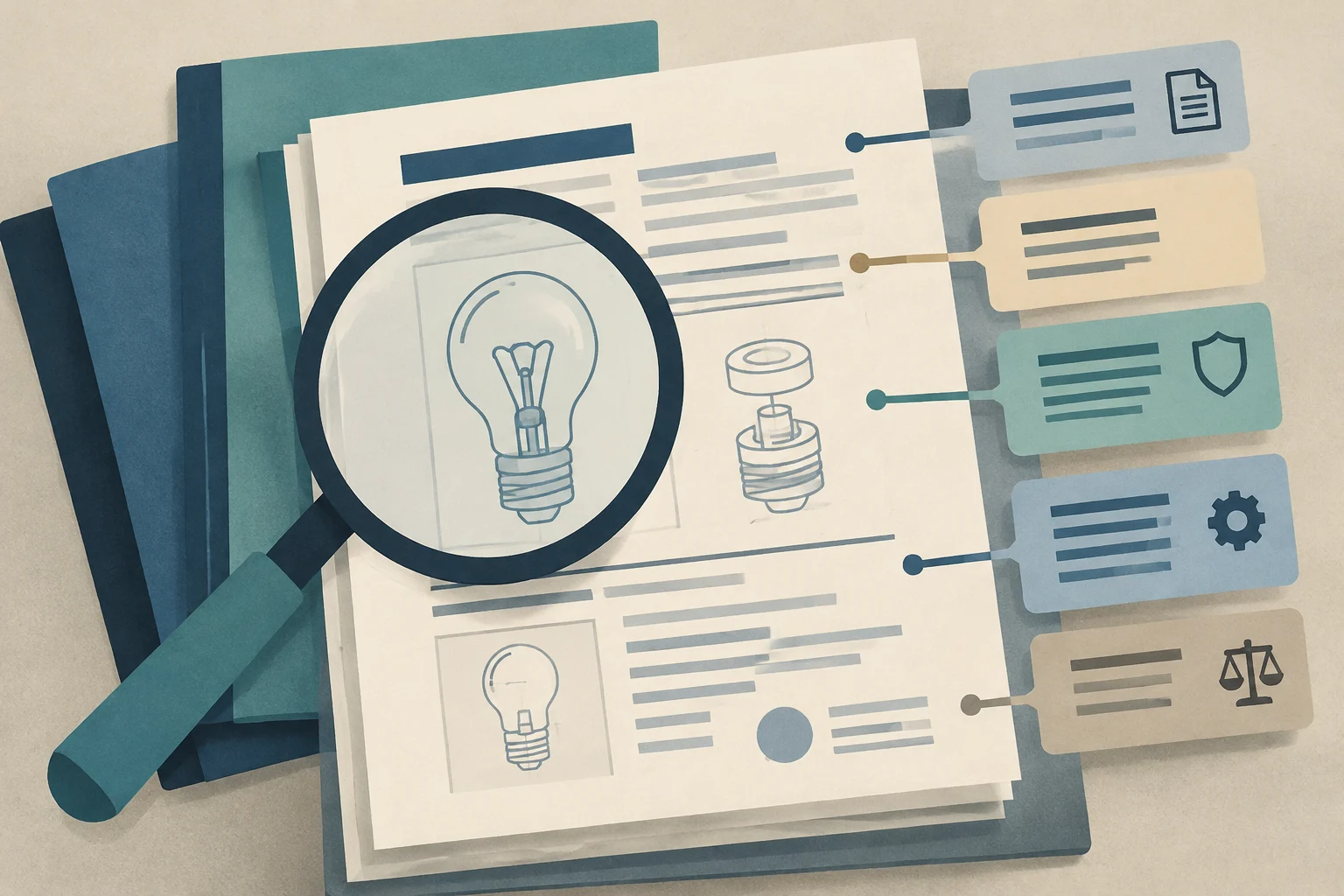
Understanding the anatomy of a patent is essential for extracting useful information. A typical patent document includes:
Bibliographic data: Title, publication number, date, applicants, inventors and classification.
Abstract: A brief description of the invention.
Claims: The legal section that defines the scope of protection. They are the most important part when determining whether an invention infringes an existing patent.
Description: A detailed explanation of how the invention works, including examples and drawings.
Legal status: Indicates whether the patent is in force, expired, abandoned or involved in litigation. This information is generally available in legal registers (such as the European Patent Register or c.e.o. in Spain) and not always in the bibliographic database.
Difference between bibliographic databases and legal registers
It is important to distinguish between two types of information:
Bibliographic databases (Espacenet, PATENTSCOPE, INVENES): Provide the technical content of the patent (what was invented and how). They are ideal for technical research.
Legal registers (European Patent Register, c.e.o. OEPM, DPMAregister): Provide the legal status of a patent (who the current owner is, whether it is in force, and whether there are licenses or assignments). They are essential for rights management and due diligence.
Tips for non-specialist users
Start with the CPC/IPC classification: If you know the classification code for your technology, use it as the main filter. It is more precise than keywords.
Use synonyms and technical terms: Patent descriptions use specific terminology. Research the technical terms used in your sector before searching.
Review patent families: Espacenet displays one document per patent family to avoid duplicates. This means that the same invention may be protected in several countries under a single entry.
Check the legal status: Before relying on a patent being in force, consult the legal register for the country of interest.
Make use of training resources: Both the EPO and WIPO offer free video tutorials, guides and webinars to help users learn how to use their tools.
Frequently asked questions
Can I use Espacenet to obtain patent statistics?
No. Espacenet is not designed to extract and aggregate statistical data. For statistical analysis, the EPO recommends using PATSTAT.
What language should I use for keywords in Espacenet?
For Espacenet’s worldwide database, keywords should be in English. In databases specific to the EPO and WIPO, you can use English, French or German.
Where can I check the legal status of a Spanish patent?
Through c.e.o. (OEPM File Inquiry), accessible from the INVENES database. It provides the legal status of all applications with effect in Spain.
What is the PCT and where can I search for its applications?
The PCT (Patent Cooperation Treaty) is an international system for filing patent applications. PCT applications published in full text on their publication date can be found in PATENTSCOPE (WIPO) and also in Espacenet.
Anticipate increases in construction activity with a practical checklist for reviewing forecasts, bottlenecks, materials, personnel, equipment, suppliers, quality, and safety before expanding capacity.
Learn how to verify a VAT identification number in the European Commission’s VIES system to correctly apply the VAT exemption to intra-Community transactions and avoid tax risks.
Choosing where to sell before planting can reduce risks and improve the viability of a small farm. This guide compares direct sales and wholesale channels, explains how cooperatives can help, and what to evaluate when adding value to products.