How to Choose Automation Tools for a Small Business: Criteria and an Implementation Plan
A good choice starts with the process, not the brand: measure manual work, compare solutions by what they do, and test a small automation before expanding it.
Automation can help reduce manual tasks, data-entry errors, and delays between teams. But a platform does not guarantee those results on its own: they depend on having a clear process, systems that can exchange data, and someone to monitor exceptions.
For a small business, the first step is to identify repetitive tasks with a verifiable outcome. Invoicing, document classification, request tracking, approvals, and some employee onboarding tasks may be candidates. That does not mean they should all be automated or that one solution will work for every case.
Prioritize based on impact and feasibility
Before comparing products, describe each process: who initiates it, what information it needs, what steps it involves, which systems are involved, and what happens when there is an error or information is missing. This review often reveals whether the problem is the manual task, duplicate records, or a workflow that was never clearly defined.
Then assess each candidate using straightforward criteria:
Frequency and time: how often it is performed and how much work it requires.
Errors and delays: which failures recur and what operational consequences they have.
Standardization: whether the task follows stable rules or depends on decisions that are difficult to formalize.
Integrations: whether the current applications can connect the required data.
Risk and oversight: what human review is needed, especially if sensitive data is involved or customers and employees are affected.
A frequent, measurable task based on clear rules is usually easier to test than a process with scattered data or many exceptions. Without a baseline—for example, time per transaction or error rate—it will be difficult to determine whether automation has improved the work.
Choose the category based on the work you want to address
Automation tools meet different needs. It is useful to compare categories first and products second, rather than assuming that a single platform will handle all operations.
Category
May be a good fit when…
What to check
No-code integration platforms such as Zapier or Make
You need to connect cloud applications and move information between them without developing an integration from scratch.
Compatible applications, how easily conditions and exceptions can be managed, usage limits, and costs as executions increase.
RPA such as Power Automate or UiPath
Repetitive tasks interact with several applications, including some that do not offer straightforward connections.
Workflow maintenance, interface changes, permissions, traceability, and the technical expertise required.
ERP or business management systems such as Odoo or Holded
The need is to centralize management functions such as invoicing, purchasing, or inventory, as well as automate related tasks.
Module coverage, fit with the company’s operations, data migration, support, and the total cost of implementation and use.
Document management and electronic signature such as DocuSign
The bottleneck is preparing, sending, signing, organizing, or locating documents.
Access controls, activity logs, integration with existing systems, and requirements applicable to the document type.
The table is intended to guide the evaluation; it does not rank quality or guarantee that every feature is available in every plan or configuration. Capabilities, integrations, and commercial terms change, so they should be checked directly with each provider.
Compare the full cost and ease of adoption
The subscription price is only part of the cost. Transaction volume, number of users, initial setup, migration, maintenance, and the time the team spends learning and monitoring the system can also affect it. For tools that charge by task or transaction, a test using realistic volumes can help avoid surprises when scaling up.
Also check whether the solution integrates with the ERP, CRM, email, and spreadsheets the company already uses. An accessible tool may be of little use if it requires data to be duplicated or creates workflows that are difficult to maintain. If the process involves many exceptions, ask how they are detected and who receives alerts when something goes wrong.
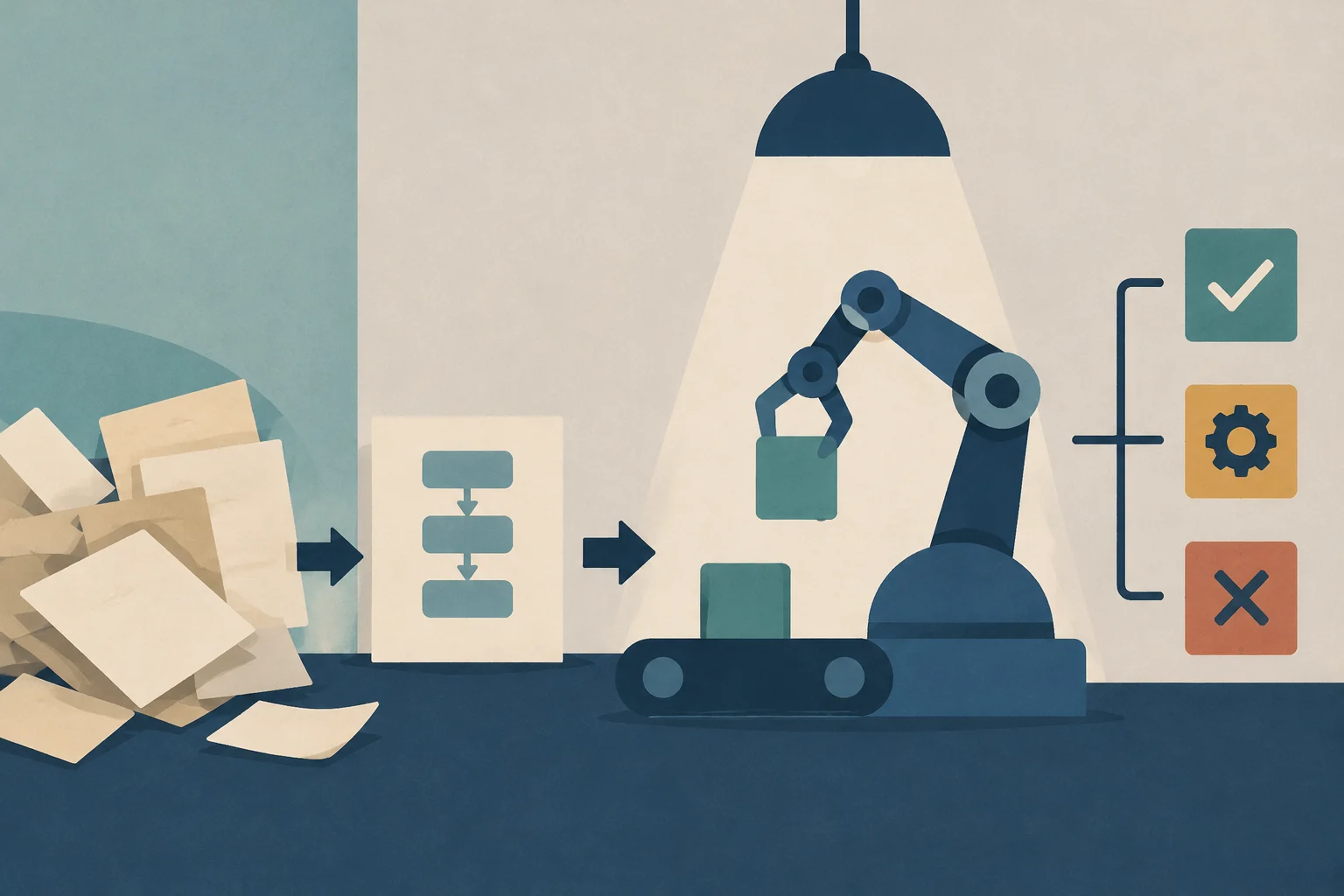
Editorial illustration · Edition Business
Implement a measurable pilot
A gradual rollout makes it possible to check both the value of the process and the tool’s limitations before extending it to more areas.
Document the current process. Record the steps, responsible people, applications, time involved, and common exceptions.
Define the expected outcome. Choose indicators suited to the problem, such as time per transaction, errors, pending tasks, or cost per case. First establish the baseline value.
Select a limited use case. Start with a workflow that has clear rules and a limited scope, not a complete critical process.
Test with suitable users and data. Verify permissions, integrations, exceptions, and results; keep human review in place until the pilot demonstrates sufficient reliability.
Evaluate and decide whether to expand. Compare the indicators with the baseline, review incidents, and calculate the cost of maintaining the solution. Adjust it, change tools, or stop the pilot if it does not provide sufficient value.
For example, a company could test automatic reminders for upcoming invoice due dates. Before activating them, it would need to confirm that customer and date information is correct, define what happens if payment has already been received, and measure both the time saved and incorrect reminders. This is an example of pilot design, not a guarantee of results.
Security, data, and oversight
Automation can transfer information between services, so the evaluation should include who can access the data, what permissions each connection requires, how actions are logged, and what options are available to correct or stop a workflow. For processes involving personal, financial, or employment information, the company should also review its applicable obligations and the providers’ terms; specific needs depend on how the tools are used and the type of data involved.
It is not advisable to automate without metrics or to delegate sensitive decisions to a workflow that cannot be explained or reviewed. Keep a person responsible, define a procedure for exceptions, and periodically check that integrations and rules still work when applications or processes change.
A decision to revisit as you use the tools
The right option is one that solves a defined problem, connects sustainably with existing systems, and has manageable costs and oversight requirements. For many small businesses, starting with a small process, measuring it, and learning from its limitations is more useful than implementing several tools at once. Only when a pilot shows verifiable results does it make sense to consider expanding it.
A plain-language guide to help management and operational teams understand digital concepts, how they connect, and what questions to ask when evaluating a solution.
The key lies not in the tool, but in the strategy: identifying processes with the highest hidden costs, calculating ROI with real data, and ordering workflows before automating them. A practical guide for Spanish SMEs.
A practical guide for retail SMEs looking to overcome spreadsheet limitations. Learn how to diagnose your stock, define key needs, and select the right cloud software to reduce shrinkage and improve decision-making.