Guide to Checking an Intra-Community VAT Number in VIES
Learn how to verify a VAT identification number in the European Commission’s VIES system to correctly apply the VAT exemption to intra-Community transactions and avoid tax risks.
VIES (VAT Information Exchange System) is a search engine operated by the European Commission that lets you check whether a business is registered to carry out VAT-exempt intra-Community transactions. It is not a database of its own, but a system that queries the national databases of European Union Member States in real time.
When you submit a query, the system forwards it to the tax authority of the relevant country. For example, when validating a Spanish number, the AEAT provides the response. This architecture explains why data can vary depending on how recently each country’s database was updated, and why the system may occasionally be temporarily unavailable for a particular jurisdiction.
When you must verify a VAT number
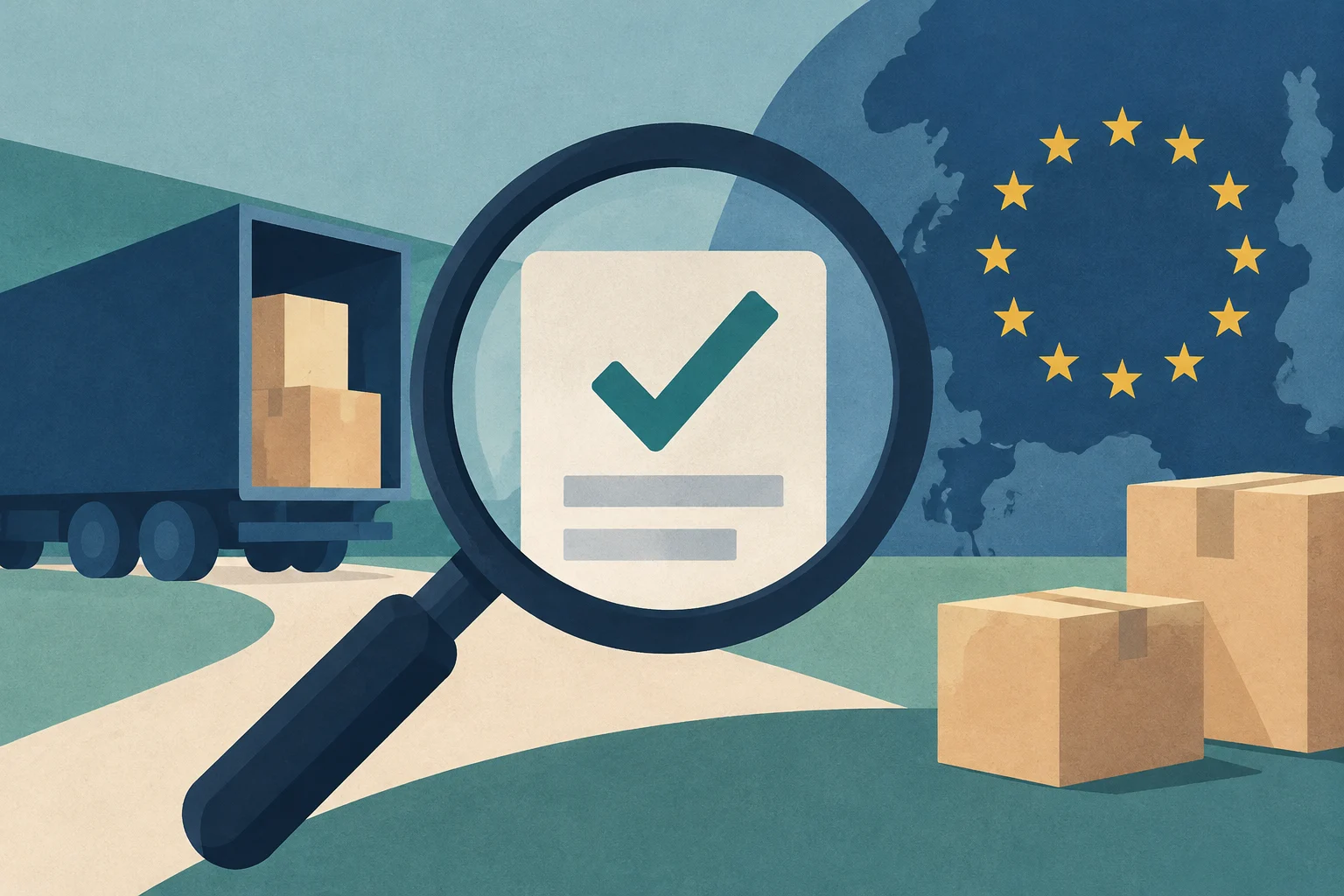
Checking a number in VIES is a critical step before applying the VAT exemption to an intra-Community supply or applying the reverse charge. Under the rules, the exemption applies only if the customer has provided the supplier with a valid intra-Community operator number (VAT identification number) issued by a Member State other than the supplier’s.
If a business invoices a European customer without VAT when the customer’s number is not registered or is invalid, the tax authority may consider that the transaction did not meet the exemption requirements. In that case, the supplier could be required to account for the VAT not charged, plus the applicable interest and surcharges. This risk also applies in the opposite direction: when receiving an invoice without VAT from a European supplier, it is prudent to verify the supplier’s registration before applying the reverse charge.
Editorial illustration · Edition Business
How to check a number step by step
The procedure for validating a VAT number in VIES is straightforward, but attention to detail is needed to avoid common errors:
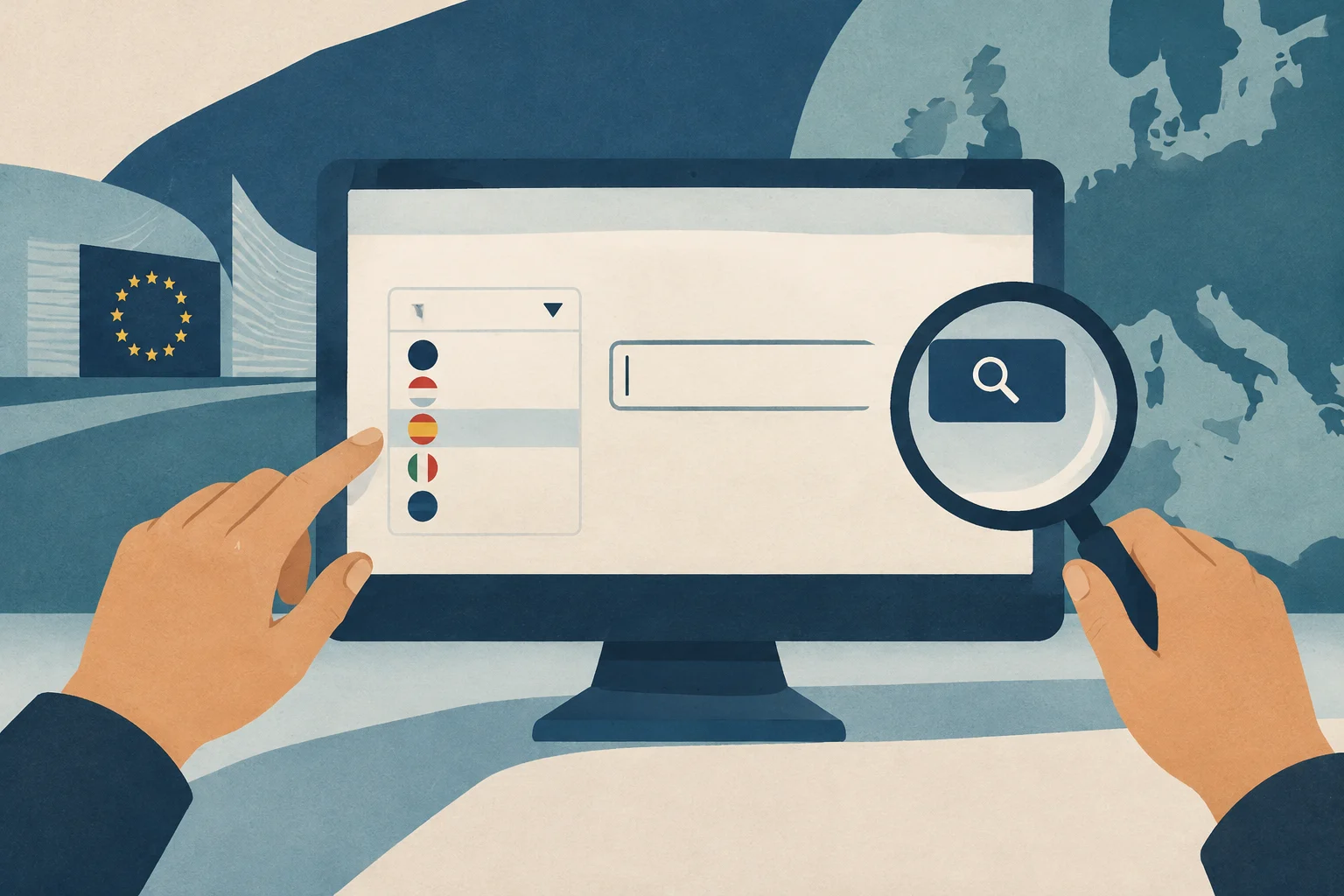
Access the official system: You can use the European Commission’s web tool (VIES on the Web) or access it through the AEAT’s Electronic Office, which requires an electronic certificate or electronic national ID card.
Select the Member State: Choose the country where the business you want to check is registered.
Enter the number correctly: It is essential to enter the number without the country prefix. For example, for a Spanish VAT identification number, select “Spain” and enter only the numeric and alphanumeric part of the number, leaving out the initial “ES”.
Check the result: The system will indicate whether the number is valid.
Interpreting the results
The query can return one of two results:
Valid response: The VAT details associated with the number are displayed. This confirms that the business is registered for intra-Community transactions.
Invalid response: The number does not appear in the relevant national database. This may be for several reasons:
The VAT number does not exist.
The number has not been activated for transactions within the EU.
Registration has not been completed (in some countries, intra-Community transactions must be registered separately).
Keep in mind that changes to registration records are not always reflected immediately in national databases and, consequently, in VIES. If a customer says they are registered but the query does not confirm it, there may have been a delay in updating the database.
What to do if the number is invalid
If VIES does not return a valid result but the customer says they are registered, it is recommended that you:
Contact the national tax authority: For urgent queries or cases of uncertainty, you can request confirmation directly from the tax authority in the customer’s country. National authorities can confirm whether the number is valid and whether a name and address are associated with it, although they do not provide these details in full for data-protection reasons.
Check for additional registration requirements: In some Member States, registration for cross-border transactions requires a separate procedure. The customer may need to complete this registration.
Keep proof of the query: It is recommended that you record the validation, as it may serve as evidence in a tax audit that the number was checked on a particular date and a specific response was received.
Risks and limitations of the system
The European Commission does not accept responsibility for the accuracy of VIES data, because the data come from national databases over which it has no control. It cannot check, correct, add, or delete national VAT identification numbers.
In addition, for data-protection reasons, national authorities do not provide the names and addresses associated with VAT numbers. They only confirm whether a name and address are associated with the number.
If you receive an error message saying that the data are unavailable, the national database is probably undergoing a backup. It is recommended that you wait a few minutes and try again, or try again at another time of day.
Anticipate increases in construction activity with a practical checklist for reviewing forecasts, bottlenecks, materials, personnel, equipment, suppliers, quality, and safety before expanding capacity.
Learn to use free official tools to investigate prior art, verify inventions and analyze patent documents. This guide explains how to formulate effective searches in Espacenet, PATENTSCOPE and national registers such as INVENES and DEPATISnet.
Choosing where to sell before planting can reduce risks and improve the viability of a small farm. This guide compares direct sales and wholesale channels, explains how cooperatives can help, and what to evaluate when adding value to products.