How to design onboarding for your first clients: seven stages to reduce friction
A well-structured onboarding process helps each client understand what to expect, start getting value, and move toward independent use. These seven stages help organize the process without losing the personal touch.
Client onboarding is the process that supports a person or business from signing up until they use a product or service with confidence and get value from it. It is not the same as employee onboarding: the goal here is to make the client relationship easier, clarify how you will work together, and help them adopt what they purchased.
At a small business, this process may depend on someone remembering to send an email, create a folder, or schedule a meeting. That informal approach can work when there are few new clients, but it becomes harder to maintain a consistent experience as volume increases. A defined process reduces things being overlooked and makes it easier for the team to know who needs to do what, without turning the relationship into an impersonal sequence.
Seven stages for clear onboarding
1. Prepare the welcome before the first contact
After the purchase, confirm who the main point of contact will be and what happens next. A welcome message can outline the next steps, communication channels, and materials worth having ready. Speed matters, but so does providing specific information tailored to the service purchased.
2. Align goals and expectations
The kickoff meeting is an opportunity to agree on what the client hopes to achieve and how the work will be organized. Clarify the scope, responsibilities, schedule, and relevant success metrics. If the sales proposal and delivery are based on different expectations, it is better to identify that early.
3. Configure the solution for its intended use
Getting started may involve creating accounts, importing data, or connecting existing tools. Before doing so, identify what the client actually needs and what information or permissions are required. A setup tailored to their tasks makes first-time use easier; a list of technical adjustments without context can add steps without bringing the client closer to the expected outcome.
4. Teach what is needed to get started
Initial training should help users complete their most important tasks, rather than trying to cover every feature at once. It can combine a guided session with tutorials, frequently asked questions, or a getting-started guide. The goal is for the client to know how to take the first steps and where to ask for help if they get stuck.
5. Provide support and identify obstacles
Set out when and through which channels you will follow up. A brief conversation at the right time can uncover access problems, questions about the process, or a gap between what was expected and what was delivered. The frequency should match the complexity of the service and the level of support agreed on; not every client needs the same number of meetings.
6. Review results and gather feedback
Compare progress with the goals defined at the outset and ask what has been useful or confusing. Usage metrics, project milestones, and direct comments offer different perspectives. If something is not working, record the problem, agree on an action, and check later whether it has been resolved.
7. Consolidate value and define what comes next
Once the client has achieved an initial result, recap what was accomplished and what remains. If the relationship is moving to another team or into an ongoing support phase, agree on how context will be handed over and introduce the people responsible. This prevents the client from having to explain their goals and background again.
Editorial illustration · Edition Business
Automate repetitive tasks without automating the relationship
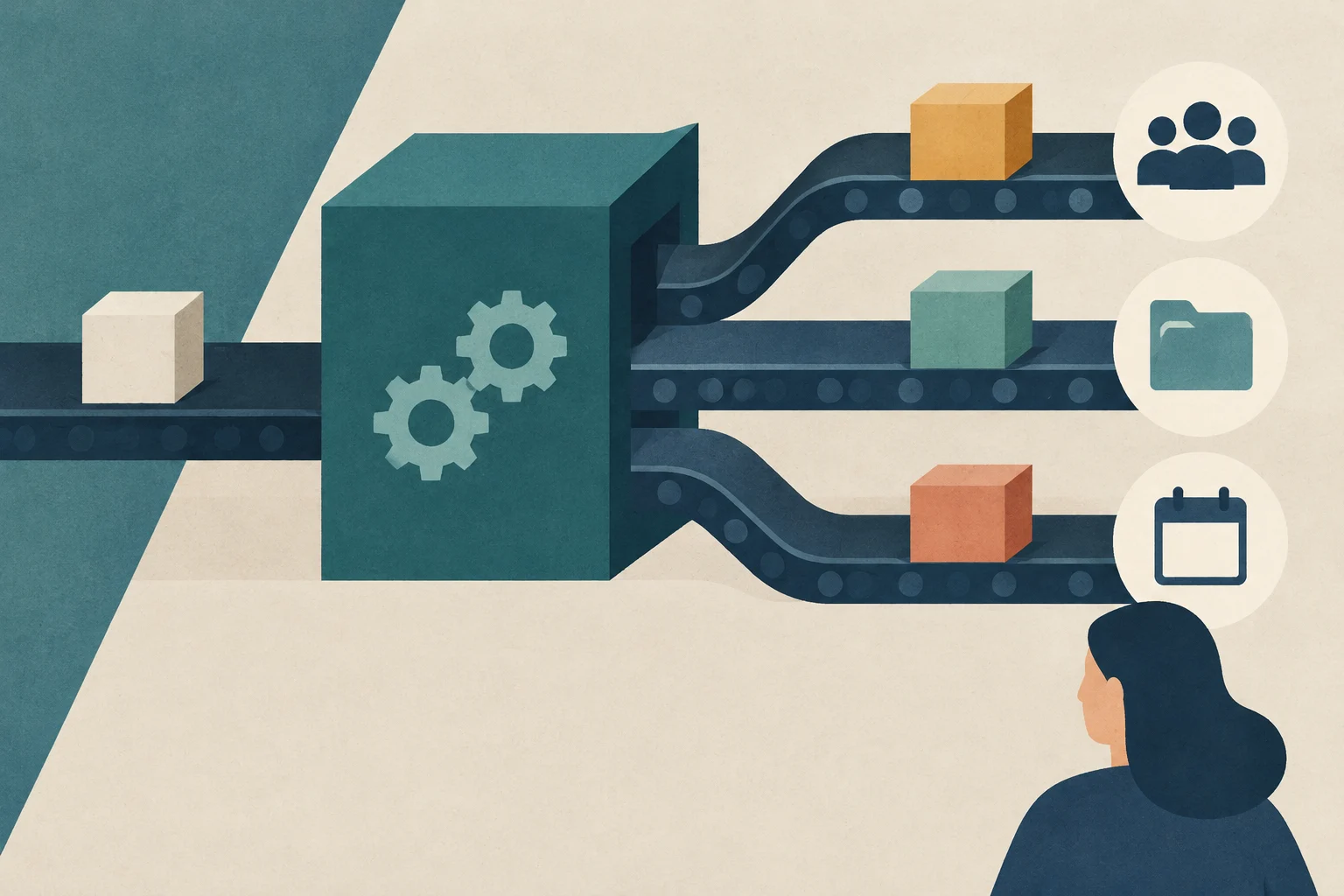
CRM tools, project management systems, and automation platforms such as n8n or Make can coordinate tasks that often recur after a purchase: creating a record, preparing a folder, assigning owners, generating tasks, or sending a welcome message. A workflow could be triggered, for example, when a contract is signed or an opportunity changes status in the CRM.
Automation is most useful when it builds on a process that is already defined. If the steps, owners, or messages are unclear, automating them can reproduce the confusion faster. It is also worth reviewing permissions, shared data, and exceptions, and keeping someone responsible for addressing needs that do not fit the usual path.
To personalize the process without creating it from scratch for every new client, you can set up variations based on the service purchased. A consulting project might require a preliminary questionnaire; a training program might call for access to materials and a schedule of sessions. The operational foundation stays the same, while the steps that add value for each type of client change.
How to tell whether the process is working
You do not need to start with a complex dashboard. The team can track a few indicators that fit the service: time to the first result, completion of initial tasks, questions or obstacles during setup, and client feedback. It can also review whether responsibilities and deadlines are being met consistently.
Interpret the data in context. A slower start may be due to client dependencies, technical complexity, or scope decisions; on its own, it does not prove that the process is poor. Direct feedback helps explain what is behind the figures and prioritize specific changes.
A shared structure, with room for a personal touch
Effective onboarding is not about adding more messages or steps, but about guiding the client clearly toward their first value. Document the essential actions, assign owners, and define what information the client should receive at each stage. Then tailor the support to the complexity of the service and use automation to free up time spent on administrative tasks, not to replace conversation when it is needed.
Praise and verbal interest can help explore an idea, but they do not equal demand. Combining interviews, real-world use, and purchasing commitments helps identify what early customers value and what to adjust before investing in growth.
Women’s Business Centers provide training and advising for small businesses in the United States. Learn how to find one, confirm its terms, and arrive at your first appointment with clear questions and goals.
A practical guide to structuring, writing, and reviewing a small business plan. Compares traditional and lean models, explains the connection between business assumptions and finances, and provides hypothetical examples for applying the method.